Dynamic 3D bots in a yellow tech lab using No-Code AI, visualizing the post 10 No-Code AI Tools That Actually Work in 2026 (Tested).

10 No-Code AI Tools That Actually Work in 2026 (Tested)

The best no-code AI tools in 2026 fall into four categories: AI agent builders (LaunchLemonade, Sintra AI), workflow automation (Lindy AI, Make, Zapier), conversational AI (Voiceflow, Botpress), and AI-powered productivity (You.com, Notion AI, Gamma). The right choice depends on whether you need to delegate business tasks, automate workflows, build chatbots, or enhance personal productivity. All 10 tools on this list work without writing a single line of code.

“No-code AI” used to mean drag-and-drop chatbot builders that looked impressive in demos and broke in production.

That’s changed. In 2026, no-code AI tools let non-technical people build genuinely useful AI systems, from custom business assistants to automated workflows to customer-facing agents.

I’ve tested dozens of them while building LaunchLemonade (which is itself a no-code AI platform). Here are the 10 that actually deliver on their promise, organised by what you’re trying to accomplish.


Category 1: AI Agent Builders (Create Custom AI Team Members)

These tools let you create AI assistants trained on your specific business.

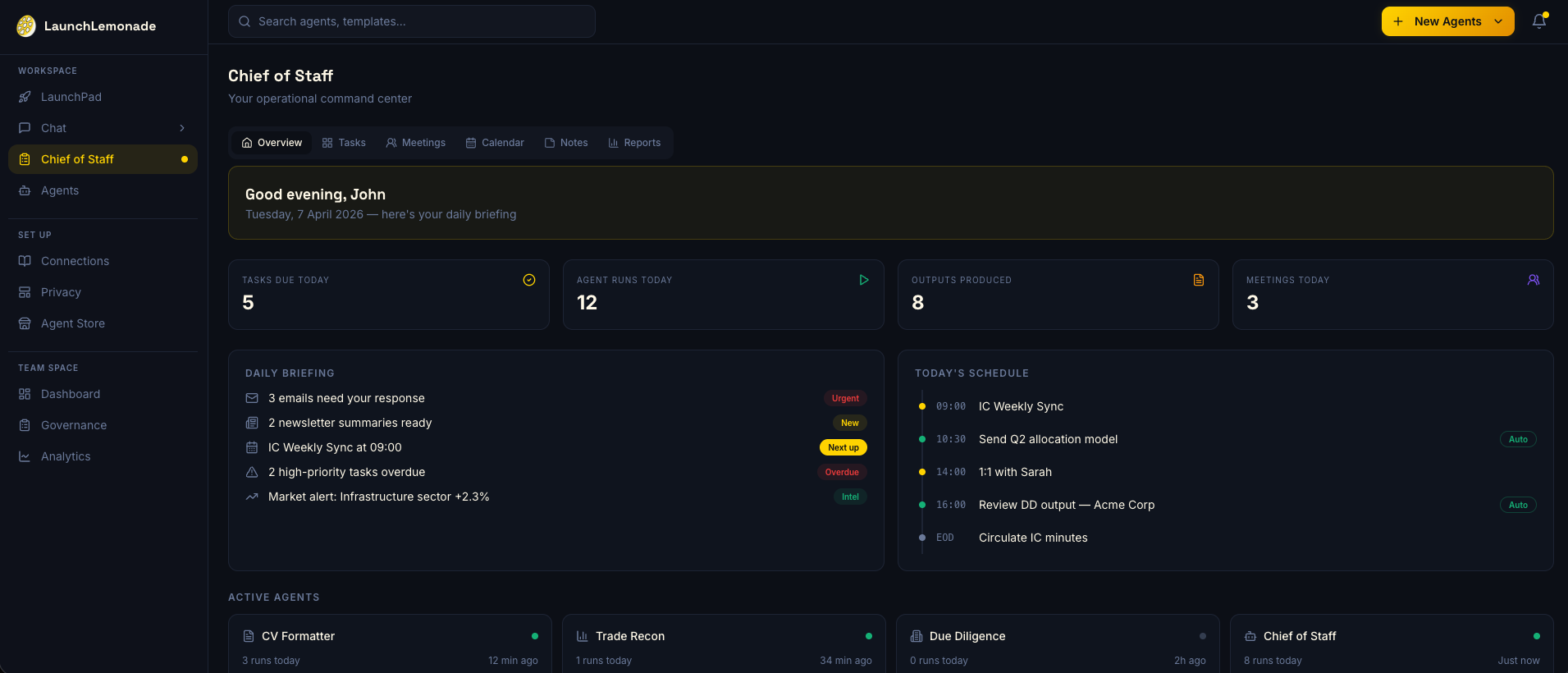
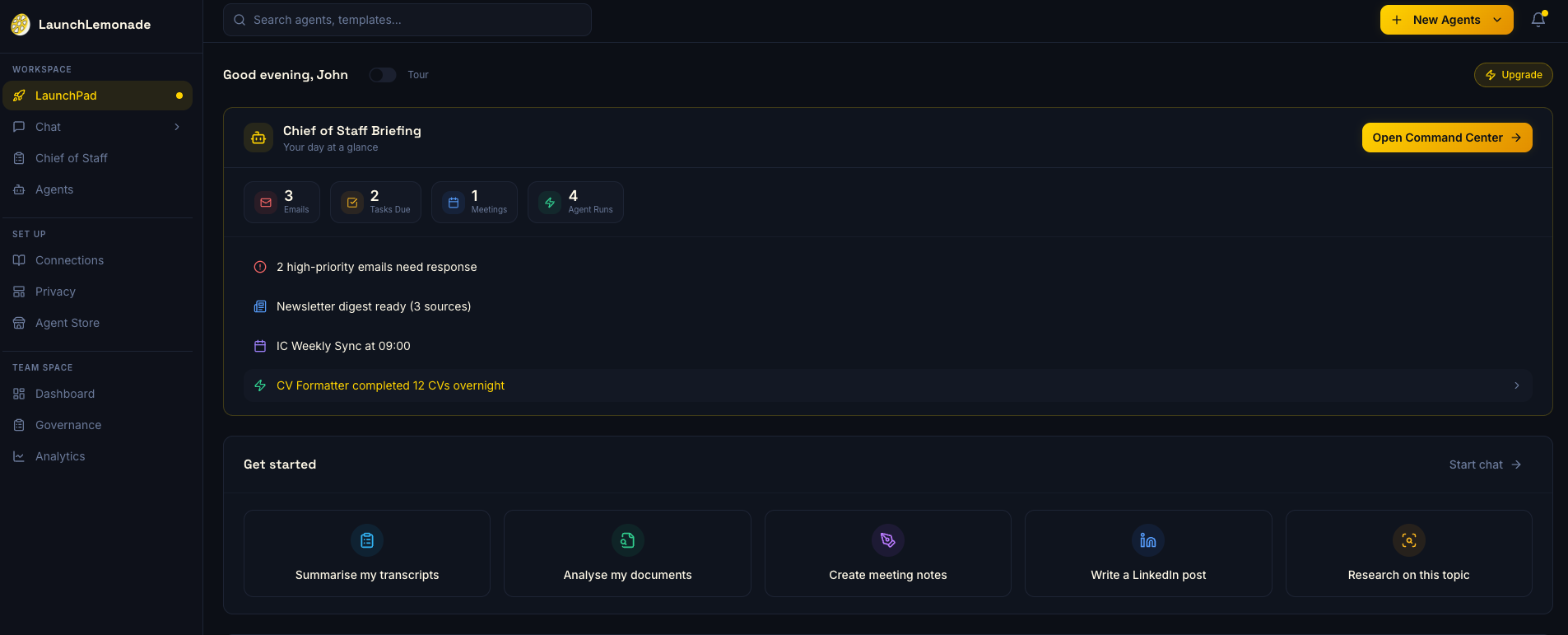
  1. LaunchLemonade
  2. What it does: Create AI team members that handle specific business tasks like research, writing, analysis, customer support. Describe what you need in plain English, train on your business data.
  3. Standout feature: Picks from 21+ AI models per task (the right brain for each job)
  4. Price: $20/mo per seat for teams
  5. Best for: Freelancers, consultants, agencies who want to delegate real work to AI

2. Sintra AI

What it does: Pre-built AI “employees” for specific roles like customer support, email marketing, sales, social media.

Standout feature: Ready-made AI personas you can deploy immediately

Price: Starting at $97/mo

Best for: Business owners who want plug-and-play AI employees without customisation


Category 2: Workflow Automation (Connect AI to Your Tools)

These tools automate multi-step workflows across your existing software.

3. Lindy AI

What it does: An AI-powered automation platform that connects to your email, calendar, CRM, and other tools. Creates trigger-based workflows: “when this happens, do that.”

Standout feature: Natural language workflow creation with deep tool integrations

Price: Free tier available, $49/mo for Pro

Best for: Professionals who want AI to manage their email, scheduling, and daily workflows

4. Make (formerly Integromat)

What it does: Visual workflow builder that connects 1,500+ apps with AI-powered steps. Drag-and-drop automation with branching logic.

Standout feature: Visual scenario builder with AI modules

Price: Free tier, $9/mo for Core

Best for: Small businesses needing complex multi-app automations

5. Zapier (with AI features)

What it does: The original no-code automation platform, now with built-in AI actions. Create “Zaps” that automate tasks across 6,000+ apps.

Standout feature: Largest app integration library in the market

Price: Free tier, $19.99/mo for Starter

Best for: Anyone already using multiple SaaS tools who wants to connect them with AI


Category 3: Conversational AI (Build Customer-Facing Chatbots)

These tools help you create AI chatbots for websites, apps, and customer support.

  1. Voiceflow
  2. What it does: Design and deploy conversational AI agents with a visual builder. Create complex dialogue flows for customer support, onboarding, and lead qualification.
  3. Standout feature: Professional-grade conversation design canvas
  4. Price: Free tier, $50/mo for Pro
  5. Best for: Companies building customer-facing chatbot experiences

7. Botpress

What it does: Open-source conversational AI platform with a visual builder. Build chatbots with natural language understanding and deploy them anywhere.

Standout feature: Open-source flexibility with visual no-code builder

Price: Free (open source), cloud hosting from $0/mo

Best for: Teams that want chatbot flexibility without vendor lock-in


Category 4: AI-Powered Productivity (Enhance Your Existing Work)

These tools add AI capabilities to your everyday work tools.

8. You.com

What it does: AI search engine combined with productivity agents for research, writing, and coding. Ask questions, get answers with sources.

Standout feature: AI agents that specialise in research, writing, and analysis, with cited sources

Price: Free tier, $15/mo for Pro

Best for: Anyone who wants better AI-powered research and writing tools

9. Notion AI

What it does: AI capabilities built into Notion: writing assistance, summarisation, Q&A across your workspace, autofill databases.

Standout feature: AI that understands your entire Notion workspace

Price: $10/mo add-on to Notion plans

Best for: Teams already using Notion who want AI writing and analysis built into their workspace

10. Gamma

What it does: AI-powered presentation and document creation. Describe what you want, and it generates polished presentations, documents, and web pages.

Standout feature: One-click professional presentations from text descriptions

Price: Free tier, $8/mo for Plus

Best for: Anyone who creates presentations, reports, or visual documents regularly


How to Choose: Quick Decision Guide

“I want to delegate business tasks to AI”
Start with: LaunchLemonade or Sintra AI

“I want to automate workflows across my tools”
Start with: Lindy AI (AI-native) or Zapier/Make (broader app support)

“I want to build a customer-facing chatbot”
Start with: Voiceflow (full-featured) or Botpress (open-source)

“I want AI to help me write and research”
Start with: You.com (research) or Notion AI (if you use Notion)

“I want AI to create presentations and documents”
Start with: Gamma

What “No-Code” Actually Means in 2026

True no-code AI means:

  • You describe what you want in plain English
  • No programming languages, no APIs, no command-line tools
  • Setup takes minutes, not days
  • You can customise and iterate without technical help

Some tools marketed as “no-code” still require technical thinking like understanding APIs, configuring webhooks, or managing data schemas. The tools on this list are genuinely accessible to non-technical users.


Frequently Asked Questions

What are no-code AI tools?

  • No-code AI tools are software platforms that let you create, customise, and deploy AI applications without writing any code. Instead of programming, you use visual interfaces, natural language descriptions, and drag-and-drop builders to configure AI assistants, automate workflows, and build chatbots. They make AI accessible to business owners, marketers, and professionals without technical backgrounds.

Can you build useful AI without coding?

  • Yes. In 2026, no-code AI tools can handle the majority of business AI use cases: custom AI assistants, workflow automation, chatbots, content generation, and data analysis. The only scenarios that still require coding are highly custom enterprise integrations, real-time data processing at scale, and novel AI research applications.

What is the cheapest no-code AI tool?

  • Several no-code AI tools offer functional free tiers: Botpress (open source), Voiceflow (free plan), Lindy AI (free tier), Make (free plan), and You.com (free tier). For paid plans, Gamma starts at $8/month, Make at $9/month, and Notion AI at $10/month. For AI agent building specifically, LaunchLemonade starts at $25/month.

Are no-code AI tools as good as custom-built AI?

  • For 80% of business use cases, no-code AI tools perform equally well or better than custom-built solutions. They benefit from constant updates, optimised model selection, and battle-tested infrastructure. Custom-built AI only becomes necessary for highly specialised use cases, massive scale requirements, or proprietary model training. Most businesses are better served by no-code tools.

How long does it take to set up a no-code AI tool?

  • Most no-code AI tools can be set up in 5-30 minutes for basic use cases. Creating a custom AI assistant on LaunchLemonade takes about 5 minutes. Setting up a multi-step workflow on Make or Zapier takes 15-30 minutes. Building a conversational chatbot on Voiceflow can take 1-4 hours depending on complexity. All are significantly faster than the weeks or months required for custom development.


The best time to start with AI was last year. The second best time is right now.


Try the no-code approach to AI delegation: https://launchlemonade.app?utm_source=blog&utm_medium=organic&utm_campaign=no-code-ai-tools-2026

Cien Solon is the founder and CEO of LaunchLemonade, building AI team members for every business. Follow her on LinkedIn for daily insights on AI, delegation, and building in public.

More Posts

The zesty platform for building, sharing, and monetizing AI agents that actually convert prospects into revenue.

Fresh‑pressed updates

Get zesty AI insights and revenue-generating strategies delivered weekly.

Copyright © 2025 LaunchLemonade. All Rights Reserved.