
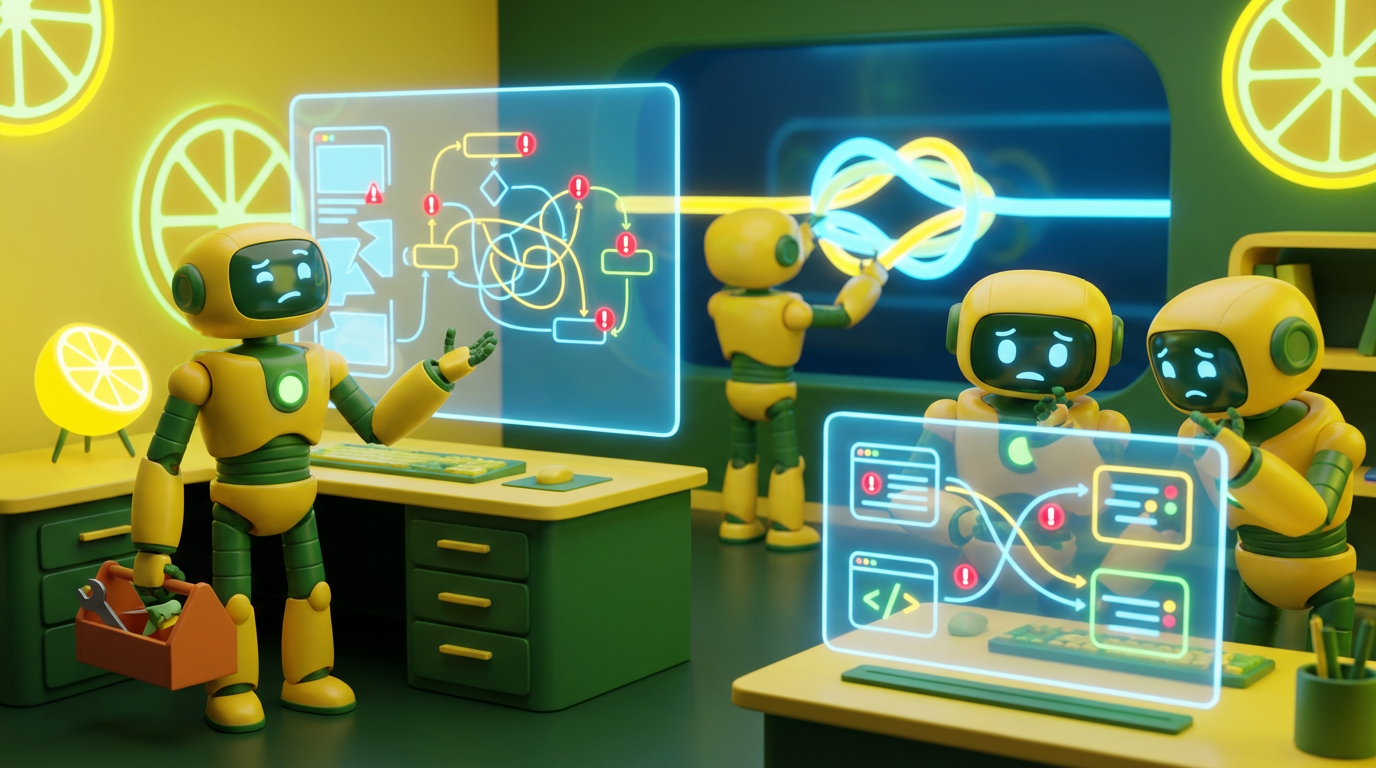
Implementing AI tools across a team promises leaps in productivity and efficiency. Yet, many organizations find their ambitious AI initiatives falling flat, met with resistance or underuse. The technology works, the use case is clear, but employees just are not adopting it. The problem often lies not in the AI’s intelligence, but in its user experience. Hidden UX mistakes kill team AI adoption, turning potential allies into frustrated adversaries. Understanding these subtle design flaws and how to avoid them is paramount for any leader aiming to successfully integrate AI into their team’s workflow.
It’s not enough for an AI tool to be smart; it must also be usable, intuitive, and trustworthy for the team using it.
The Problem: AI That’s Smart, But Not User-Friendly
Traditional software UX principles apply to AI, but AI introduces new user expectations and unique challenges. When these are overlooked, even the most powerful AI can gather digital dust. The core issue is a disconnect between the AI’s capabilities and the user’s interaction with it. This disconnect is where UX mistakes kill team AI adoption.
A study reveals that 88% of users abandon AI tools after a single poor experience, compared to 70% for traditional software products. Users expect intelligent systems to be intuitive, and poor design leads to an immediate loss of trust.
Hidden UX Mistakes That Kill Team AI Adoption
1. The “Black Box” Problem: Lack of Transparency and Explainability
One of the most significant UX mistakes is an AI that operates without explaining how it arrived at an answer or decision.
-
Mistake: The AI provides an output (e.g., a summarized report, a sales lead score, a content draft) without showing its working or the data it considered. Users are left wondering about the AI’s reasoning, leading to distrust.
-
Why it Kills Adoption: If users do not understand or trust the AI’s output, they will either manually double-check everything (defeating the purpose of automation) or simply stop using it. They perceive the AI as unreliable or opaque.
-
How to Avoid:
-
Show Sources: When summarizing or generating content, cite the sources used.
-
Explain Logic: For decisions, provide a brief, human-readable explanation of the factors that influenced the outcome.
-
Allow Overrides: Give users the option to adjust or manually input information if they disagree with the AI’s initial assessment. Transparency builds trust, which is vital for adoption when UX mistakes kill team AI adoption.
-
2. Overestimating User Understanding: Assuming AI Intuition
Designers often assume users will intuitively grasp how to interact with AI, especially with generative models.
-
Mistake: Providing an empty text box for a “prompt” without examples, clear guidelines, or context. This leads to users either underutilizing the AI’s capabilities or getting frustrated by poor results.
-
Why it Kills Adoption: Users quickly give up if they cannot get the AI to perform useful tasks easily. They blame the tool (or themselves), leading to underuse.
-
How to Avoid:
-
Clear Instructions and Examples: Provide prompt templates, suggested phrases, or even conversational guides.
-
Onboarding Tutorials: Clearly illustrate the AI’s purpose and how to interact with it effectively.
-
Guided Prompting: Develop step-by-step interfaces that walk users through constructing complex prompts. Intuitive interfaces are a prime example of UX mistakes that kill team AI adoption.
-
3. Ignoring the “Human in the Loop” Design
Effective team AI integration should augment human capabilities, not attempt to replace them entirely without a clear strategy.
-
Mistake: Designing the AI as a fully autonomous system for tasks that still require human judgment, creativity, or ethical oversight. This often happens because the “technical feasibility” of full automation overshadows the “practical wisdom” of keeping a human involved.
-
Why it Kills Adoption: Users feel alienated, disempowered, or overwhelmed if they are just reviewing AI’s final decisions without contributing to the process. There is a fear of losing control or being held accountable for AI errors.
-
How to Avoid:
-
Hybrid Workflows: Design AI to perform the drudgery (e.g., data collection, initial drafting) and hand off to humans for the high-value, strategic parts (e.g., final review, creative brainstorming, complex decision-making).
-
Collaborative Interfaces: Allow humans to easily edit, train, or provide feedback to the AI within the workflow. Let the AI be an assistant, not a boss. Overlooking human involvement is a common UX mistake that kills team AI adoption.
-
4. Inconsistent Performance and Unmanaged Expectations
AI, especially generative AI, can be inconsistent. Outputs may vary, and occasional “hallucinations” (confident, incorrect information) can occur.
-
Mistake: Failing to set realistic expectations about AI capabilities and limitations, or not designing for graceful error handling. Users expect perfection and are disillusioned by imperfection.
-
Why it Kills Adoption: One major error or a string of inconsistent outputs can shatter trust, leading users to abandon the tool and actively discourage others.
-
How to Avoid:
-
Educate Users: Clearly communicate the AI’s strengths, weaknesses, and scenarios where human review is necessary.
-
Robust Error Handling: Design the AI to admit when it doesn’t know, provide alternative options, or seamlessly escalate to a human.
-
Feedback Mechanisms: Allow users to easily report incorrect or unhelpful outputs, providing data for continuous improvement. Inconsistent performance easily tops the list of UX mistakes that kill team AI adoption.
-
5. Lack of Accessibility and Inclusivity
AI tools, like any software, must be accessible to all team members, regardless of technical prowess or accessibility needs.
-
Mistake: Designing complex interfaces that prioritize aesthetics over functionality, or neglecting features for users with disabilities (e.g., screen reader compatibility, keyboard navigation).
-
Why it Kills Adoption: If a significant portion of your team cannot effectively use the tool, adoption will be low, and the digital divide within your organization will widen.
-
How to Avoid:
-
User-Centered Design: Conduct user research with a diverse group of your actual team members.
-
Follow Accessibility Guidelines: Ensure the AI’s interface and interaction patterns conform to accessibility standards.
-
Simple, Clear Interfaces: Prioritize clarity, simplicity, and ease of navigation over flashy, complex designs. Bad user experience on mobile devices is another example of a UX mistake that kills team AI adoption.
-
Successfully integrating AI into a team’s workflow requires more than just powerful algorithms; it demands thoughtful user experience design. By proactively addressing these hidden UX mistakes, leaders can build trustworthy, intuitive, and truly augmentative AI tools that their teams will not just adopt, but champion.
To stay updated with us, please follow our Facebook, Instagram, LinkedIn, Threads, TikTok, X, and YouTube pages.



